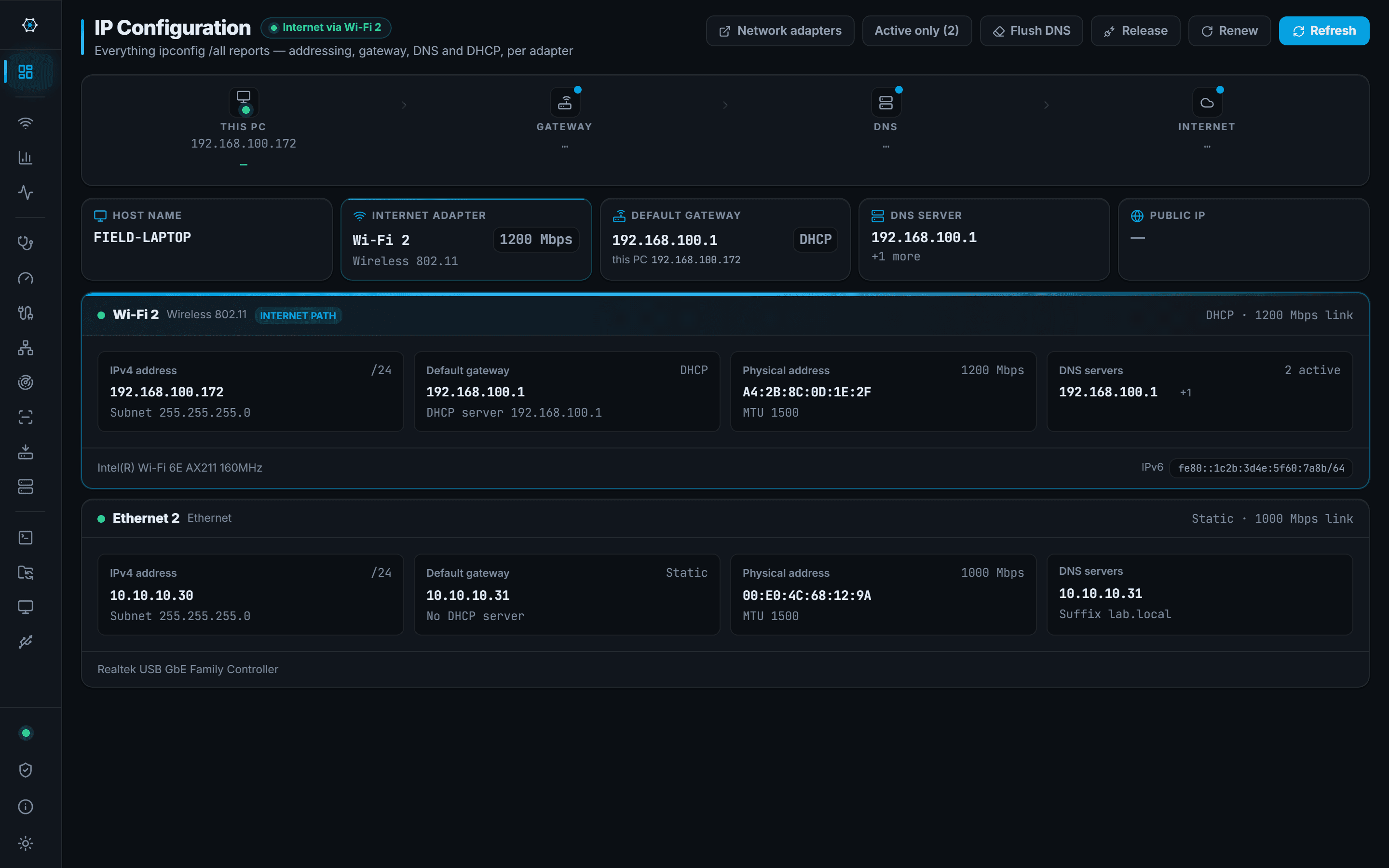
Fourteen tools, one installer
Grouped by where they land in a job rather than alphabetically. Each page says what the tool does, what it needs, and where it stops — because the last one is the part that costs you time on site.
Stage 1
Identify the connection
Which physical port, which VLAN, which switch — before anything else.
Port Finder
NpcapWhich switch port this machine is plugged into, read from the switch itself.
You are in a rack room with an unlabelled patch lead and need the port before you can do anything else.
About Port Finder →
Stage 2
Discover what is there
Sweep the subnet, find the hosts, see which ports answer.
IP Scanner
Sweep a subnet and get names, MAC vendors and latency back.
You are on a customer network you have never seen and need to know what is on it.
About IP Scanner →Port Scan
Native TCP and UDP scanning across one host or a whole subnet.
You need to know whether a service is actually listening, and on which of these machines.
About Port Scan →
Stage 3
Diagnose the path
Gateway, DNS, internet — and the wireless conditions around you.
Diagnose
Gateway, DNS and internet checked in one pass, with the numbers kept.
Something is wrong and you need to know which hop to blame before you start pulling cables.
About Diagnose →Throughput
Point-to-point speed over TCP or UDP, speaking iperf3 in both directions.
The link is meant to be a gigabit, the customer says it is slow, and you need a number measured between two points on their network rather than to the internet.
About Throughput →Wi-Fi analysis
Wireless adapterNetworks, channel occupancy and a live signal trace.
The complaint is that the wireless is bad in this corner of the building.
About Wi-Fi analysis →Packet Capture
NpcapAdministratorLive capture on one adapter or all of them, with filters you can change mid-run.
You need to see whether the traffic is arriving at all, and from whom.
About Packet Capture →
Stage 4
Get on the equipment
SSH, serial console, or a remote desktop.
SSH
A tabbed SSH terminal with saved connections and encrypted credentials.
You need a shell on the switch, and then on the next four switches, without five windows.
About SSH →Serial Console
Serial adapterConsole into equipment over a COM or USB-to-serial adapter.
The device has no IP yet, or you have locked yourself out of the one it had.
About Serial Console →Remote Desktop
RDP sessions launched from the same saved connection list.
The thing you need is a Windows box, not a switch.
About Remote Desktop →
Stage 5
Move the files
Configs off, firmware on, over SFTP.
File Transfer
An SFTP browser with an editor, sharing the SSH connection list.
Pull the running-config off, push the firmware on, fix one line in a file.
About File Transfer →
Stage 6
Provision hardware
Stand up TFTP and DHCP on an isolated link, then take them down.
TFTP Server
A TFTP server you start for one job and stop afterwards.
The switch wants to pull its image from somewhere and you are the somewhere.
About TFTP Server →DHCP Server
A temporary DHCP server for staging equipment on an isolated link.
The device needs an address before it will talk to you and there is no DHCP on this segment.
About DHCP Server →
Stage 7
Hand over
Leave the customer a document: what was found, what it is, what to do.
Site Report
One button surveys the site; the hand-over document fills in as it runs, and every customer's report is kept.
The visit is over and the customer wants something in writing that is not a screenshot pasted into an email.
About Site Report →
All of it in one window
The point is not that each tool is the best of its kind — it is that a call-out needs six of them and switching between six applications on a laptop screen is where the time goes.