Serial Console
Console into equipment over a COM or USB-to-serial adapter.
The device has no IP yet, or you have locked yourself out of the one it had.
Needs Serial adapter
CySecTek
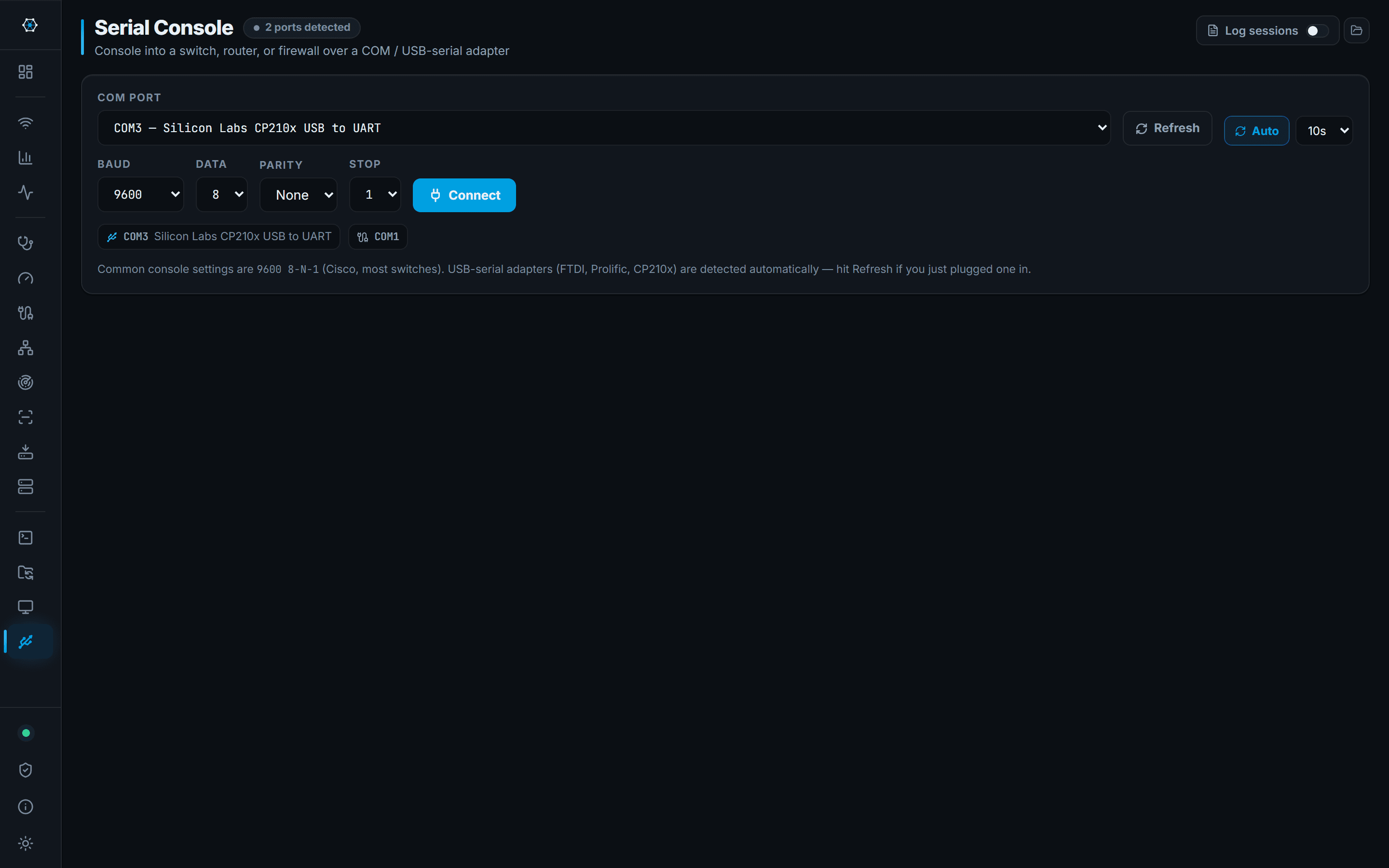
USB-to-serial adapters — FTDI, Prolific, CP210x and the rest — are detected automatically and listed with the name Windows gives them, so you are choosing 'Silicon Labs CP210x' rather than guessing between COM3 and COM7.
Baud, data bits, parity and stop bits are all set from the same panel, defaulting to the 9600 8-N-1 that most console ports expect. The terminal behaves like the SSH one, transcripts included.
What you walk away with
- A console session on a device with no working network configuration
- Adapters identified by name rather than by port number
- The same copy, paste and transcript behaviour as the SSH terminal
Where it stops
Stated here rather than discovered on site.
- One session at a time per port, and Windows gives the port to whoever opened it first — if another program holds it, this one cannot.
- No modem control, no file transfer over the serial line (no XMODEM, YMODEM or ZMODEM).