SSH
A tabbed SSH terminal with saved connections and encrypted credentials.
You need a shell on the switch, and then on the next four switches, without five windows.
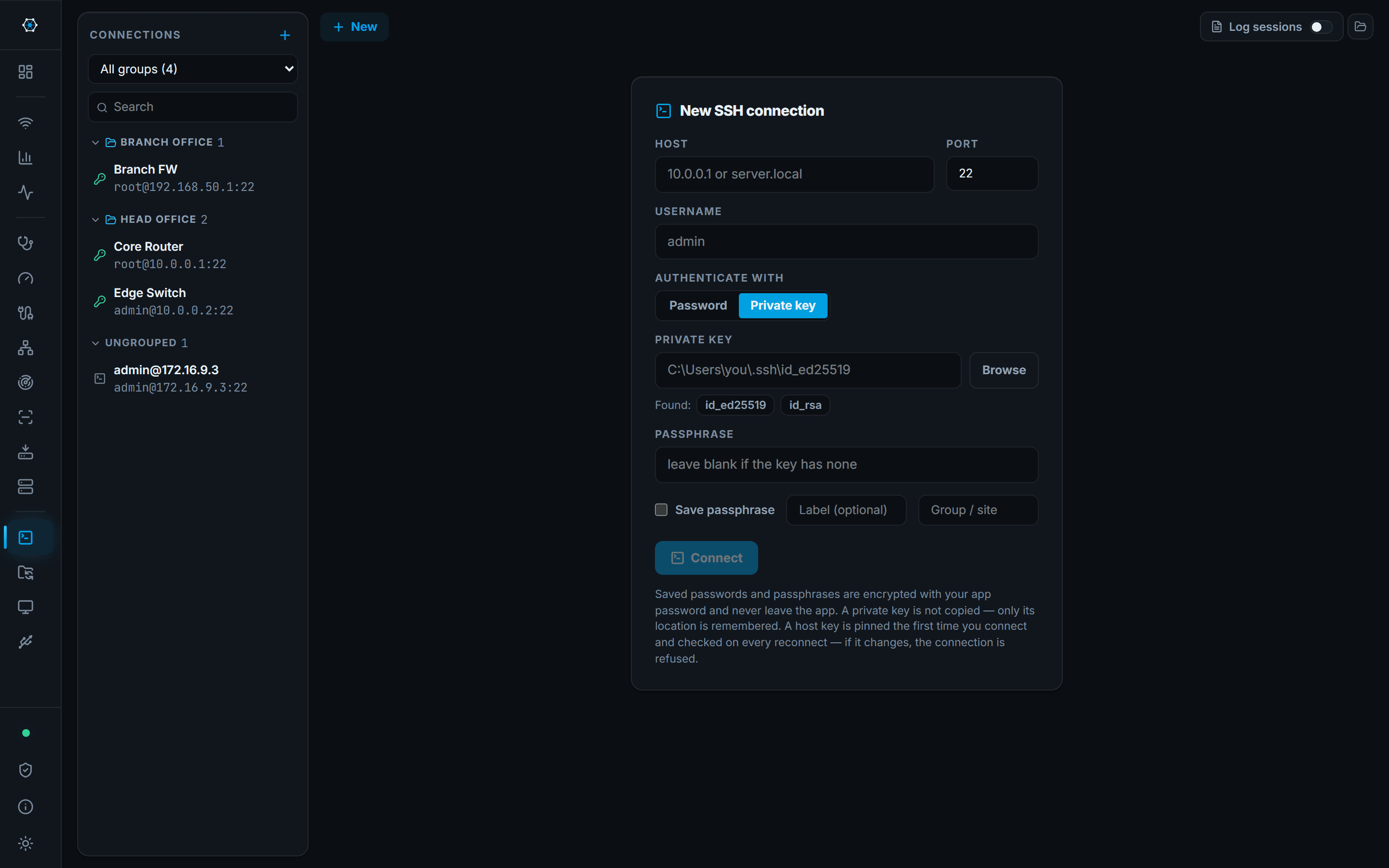
Sessions are tabs. Saved connections live in folders per site or customer, searchable, most recently used first, and can be exported to a file and imported on another machine. Authentication is a password, a private key — OpenSSH format, Ed25519, RSA or ECDSA, encrypted keys included, with any key already in ~/.ssh offered on the form — or the Windows OpenSSH agent, so a key never has to be a file the app can read.
A device behind a bastion is reached by picking a jump host on the form: the app authenticates to that saved connection first and opens the session from there. Host keys are pinned on first connect and a change is refused rather than shrugged at, with a panel that shows both fingerprints when a device has genuinely been rebuilt. Session transcripts can be written per host and are encrypted, because a switch session routinely prints running-config and SNMP communities.
What you walk away with
- Five switches as five tabs in one window
- Password, private key or SSH agent, with credentials saved and encrypted
- A device behind a bastion reached through a saved jump host
- A refused connection when a host key changes, not a dialog nobody reads
- An encrypted transcript of what was typed and what came back
Where it stops
Stated here rather than discovered on site.
- One jump host, not a chain: the hop is a saved connection that itself connects directly. There is no general port forwarding or tunnelling beyond that hop.
- The agent is Windows' own OpenSSH agent — the one ssh-add talks to. Pageant's own protocol is not spoken; recent PuTTY releases can make Pageant answer on the OpenSSH pipe as well.
- PuTTY's .ppk format is not read directly — PuTTYgen exports an OpenSSH key that is.