Throughput
Point-to-point speed over TCP or UDP, speaking iperf3 in both directions.
The link is meant to be a gigabit, the customer says it is slow, and you need a number measured between two points on their network rather than to the internet.
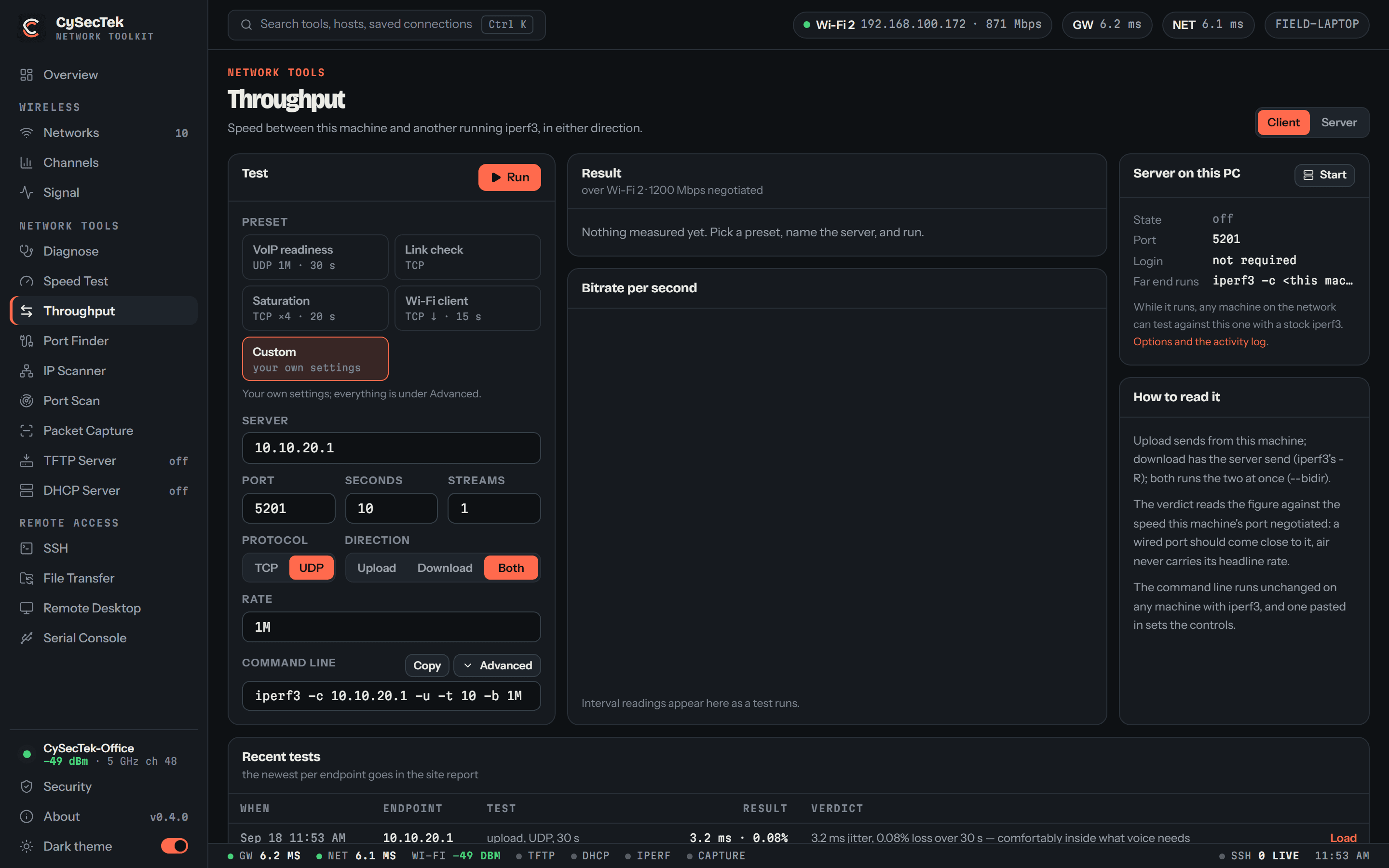
A client that tests against any iperf3 server, and a server that any iperf3 client can test — so the far end can be a Linux box, a phone app, a switch with iperf built in, or a second copy of CySecTek. TCP or UDP; upload, download or both at once; one stream or many. Presets run the tests that actually get run on site: VoIP readiness, a link check, saturation with four streams, and what a Wi-Fi client sees pulling data down.
UDP reports jitter, loss and out-of-order datagrams, which is what decides whether calls will work. Every run ends in one plain sentence — 94 Mb/s on a port that says 1000 Mb/s is named as a link not delivering — and is kept per endpoint, so last month's figure is there to compare against. The command line is shown, editable and pasteable, and runs unchanged on any machine with iperf3.
What you walk away with
- A rate measured between two points on the customer's network, not to a speed-test site
- Jitter and loss figures that say whether voice will work on this path
- A verdict read against the speed the port negotiated
- Runs kept per endpoint, and a Throughput section in the site report
Where it stops
Stated here rather than discovered on site.
- Wire-compatible with iperf3 3.x, including its username-and-key authentication. Not iperf2, which is a different protocol.
- What Windows cannot do is left out rather than faked: SCTP, congestion-control selection, --fq-rate pacing and zero-copy sends.
- Retransmit counts are not reported; the interval table shows transfer and bitrate.